Christmas & Winter Wallpapers for a Vertical Monitor
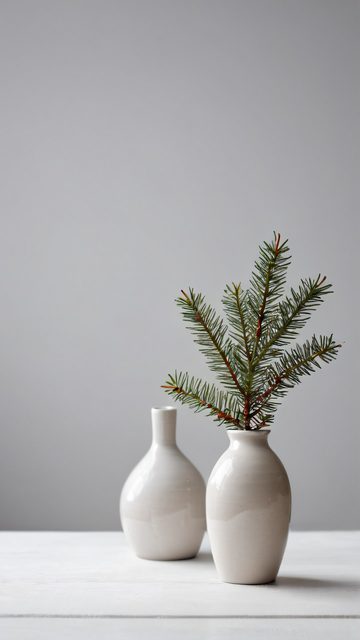
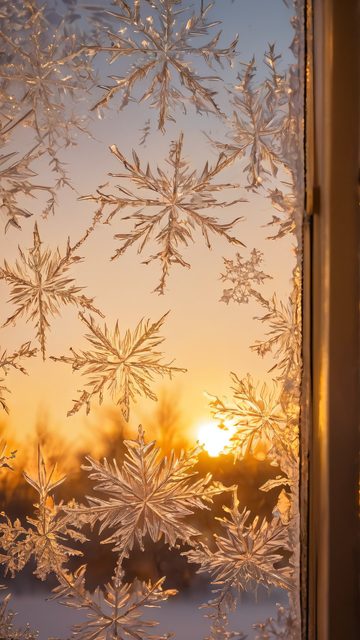
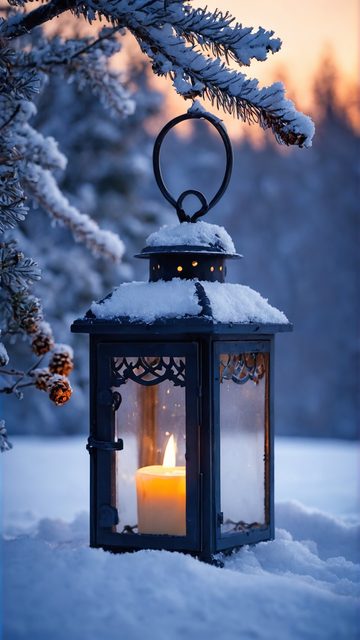
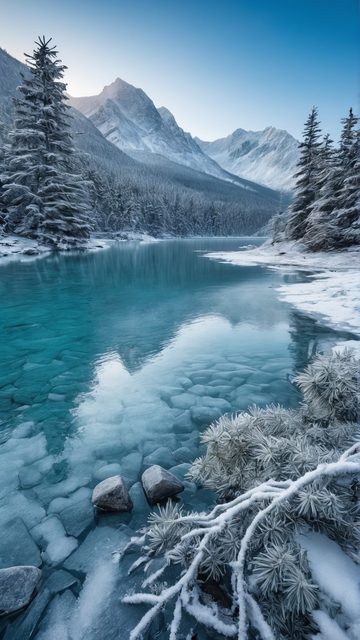
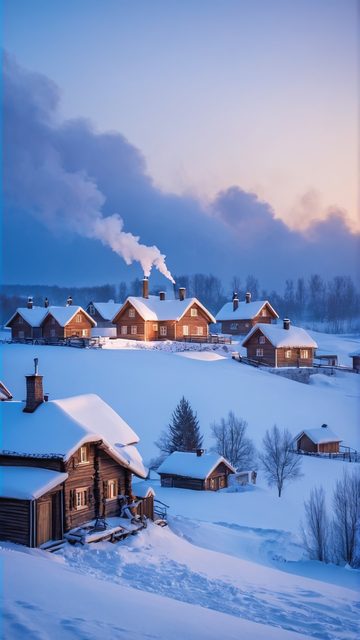
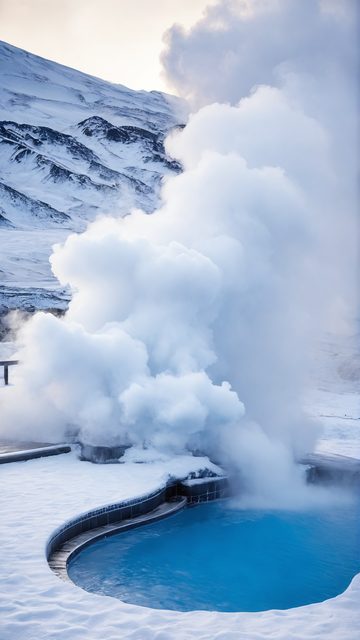
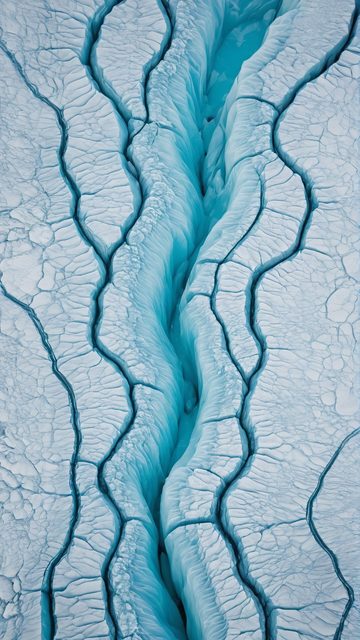
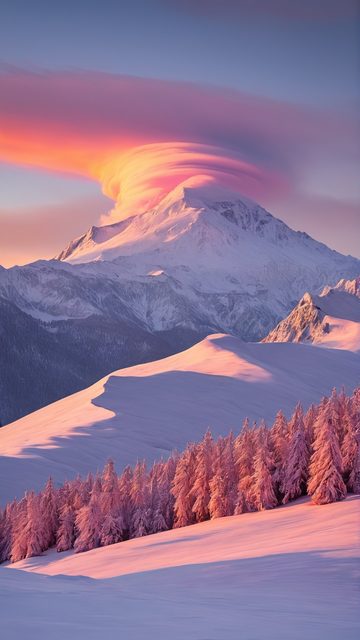
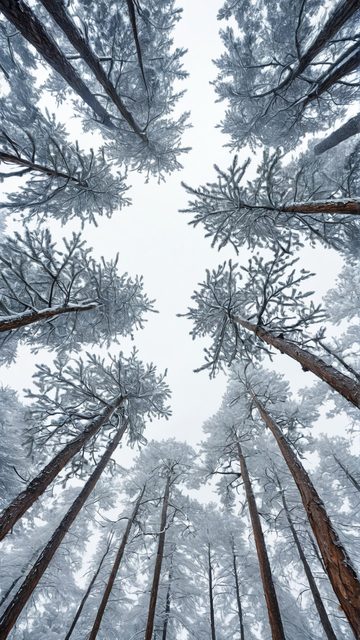
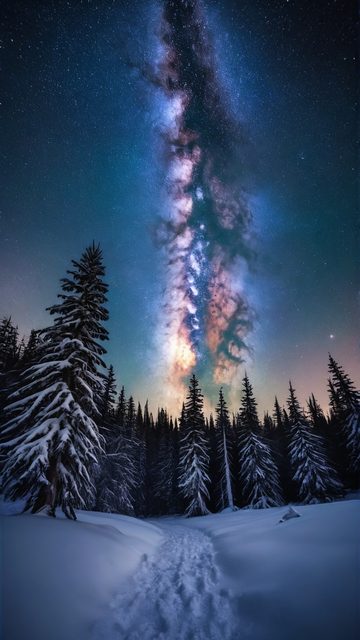
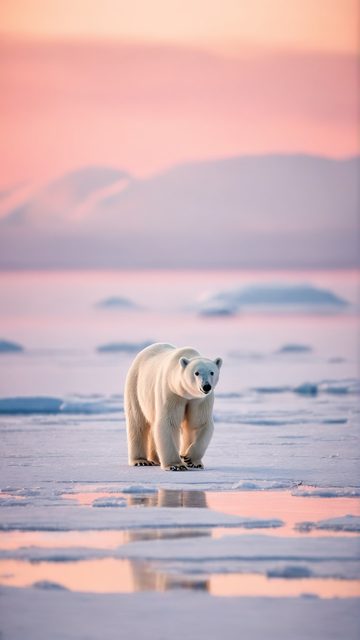
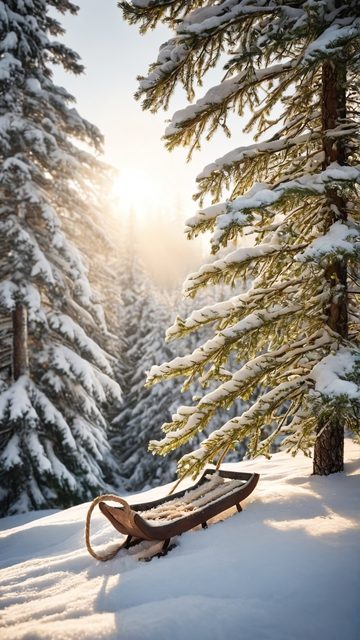
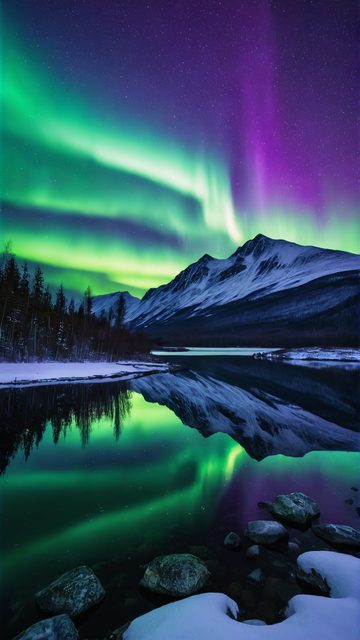
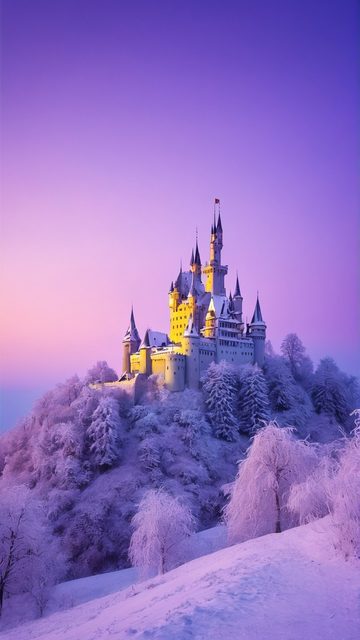
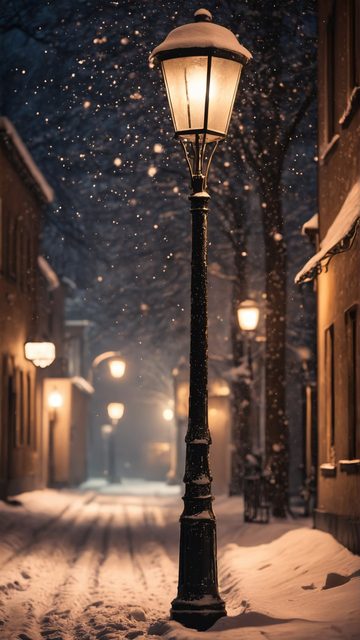
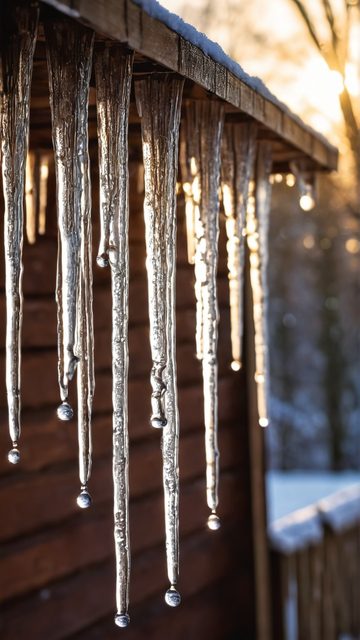
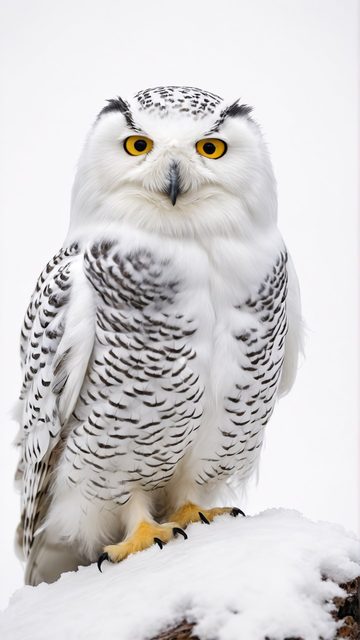
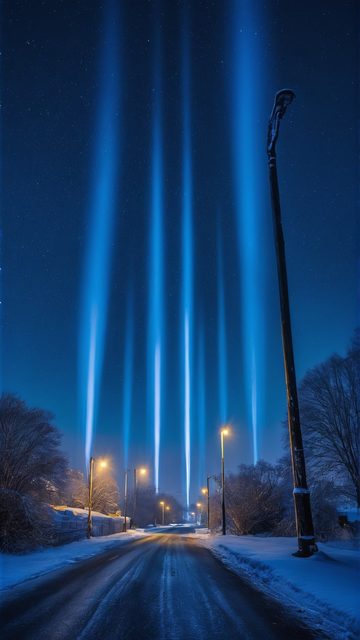
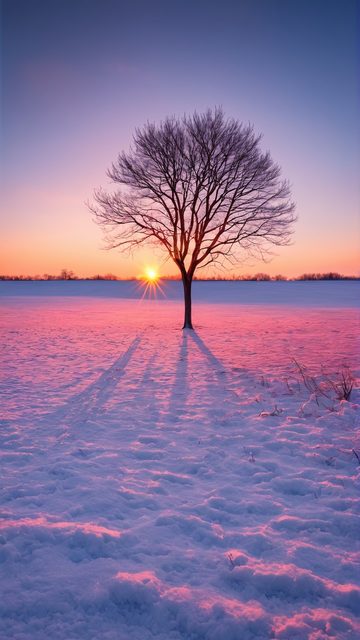
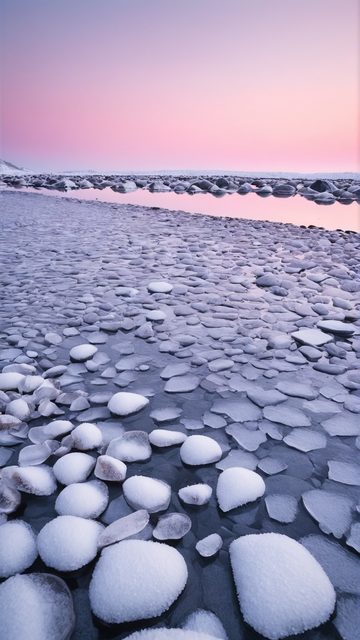
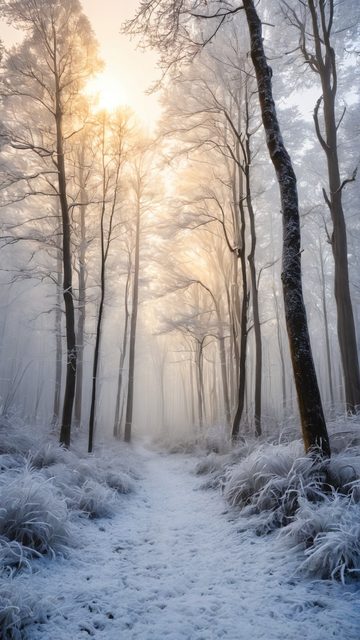
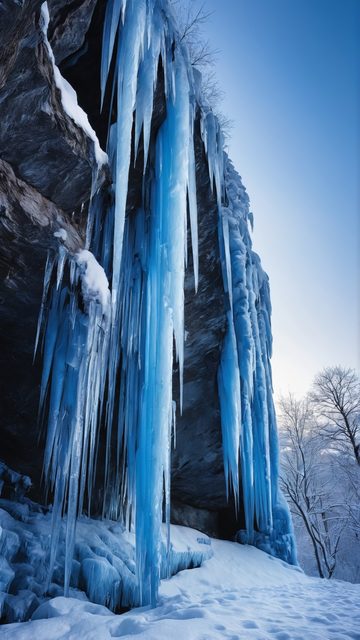
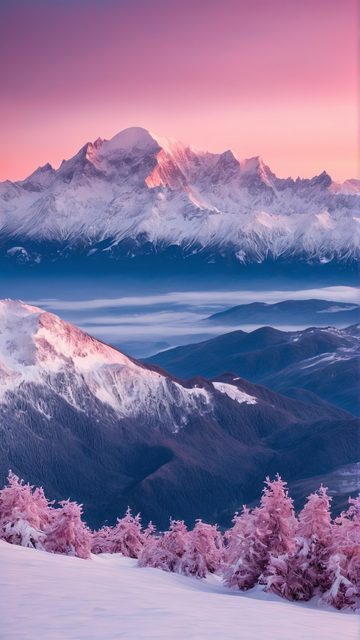
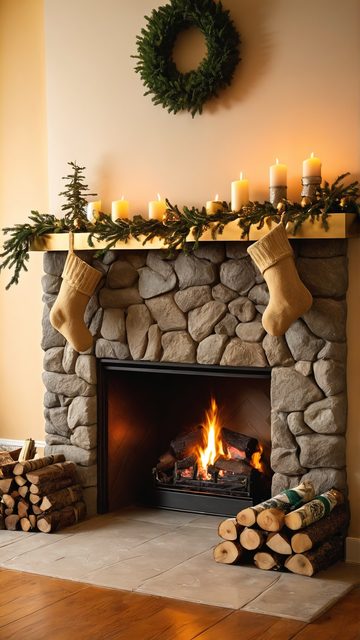
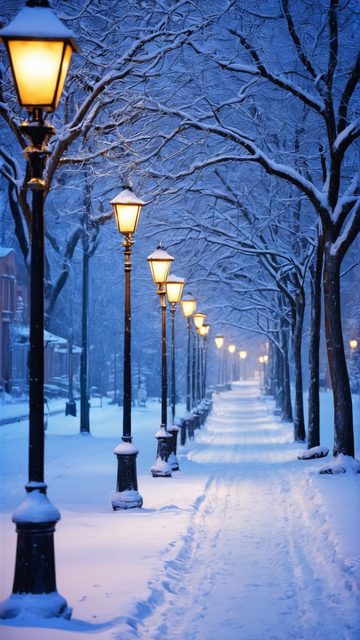
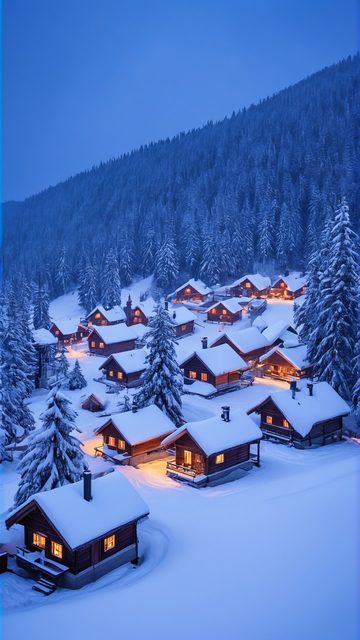
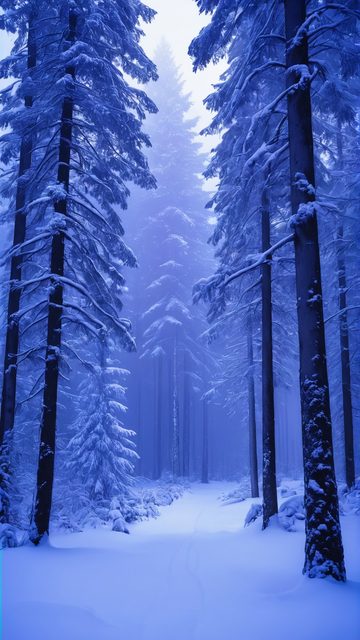
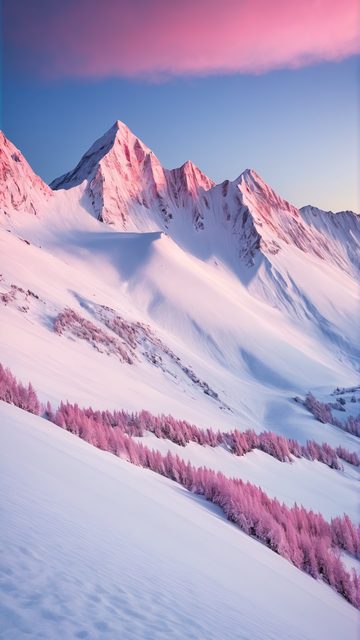
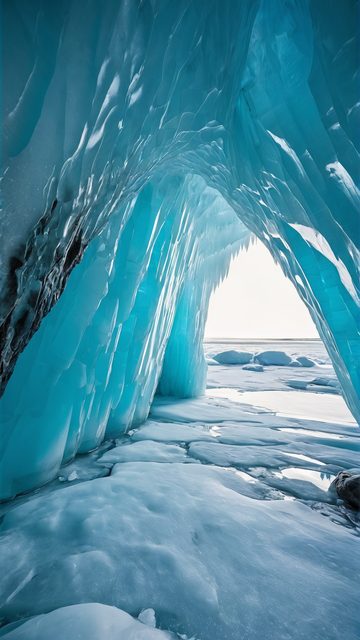
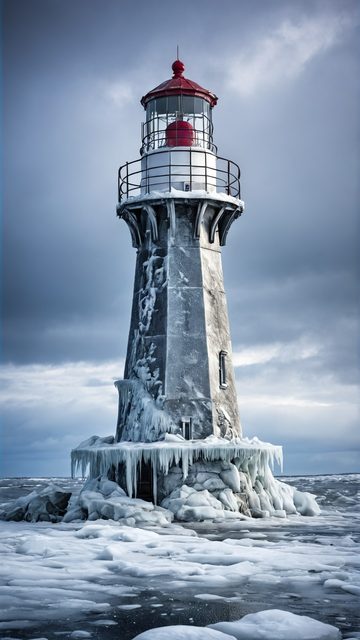
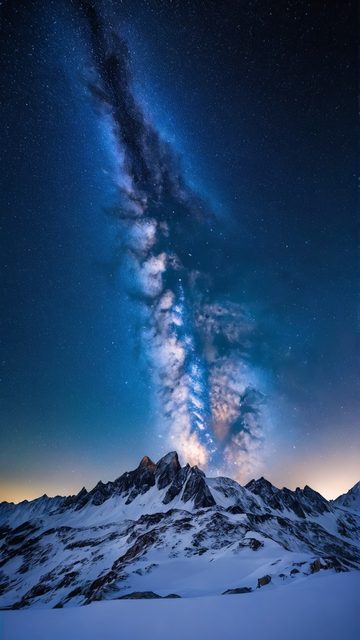
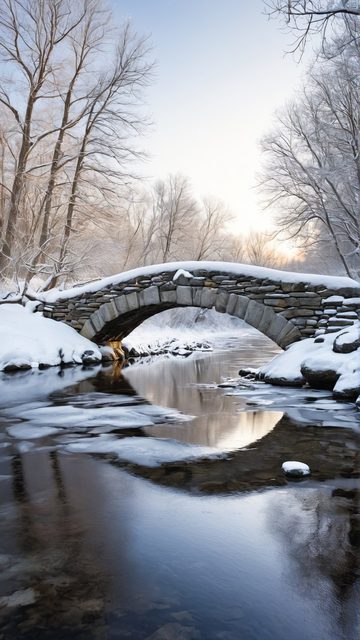
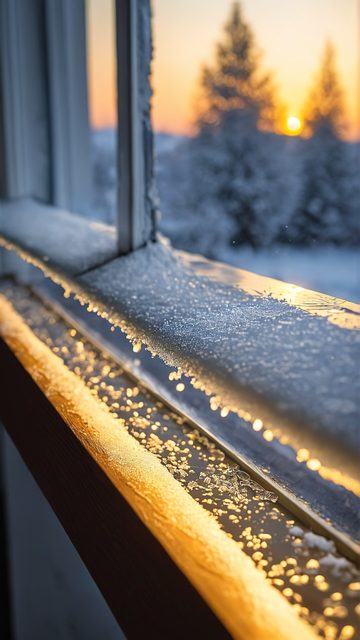
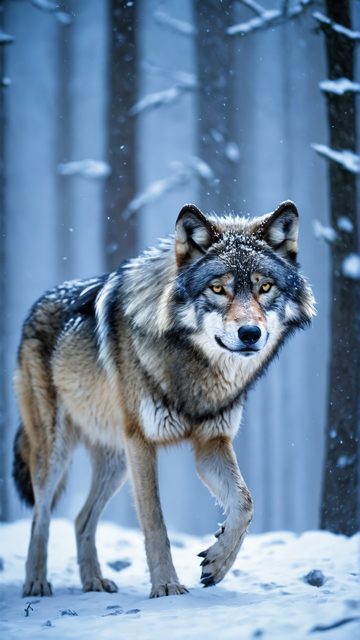
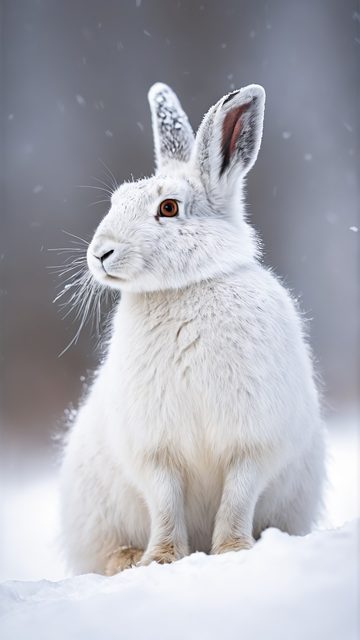
85 portrait wallpapers, every one composed natively at 1080×1920 — not cropped from a landscape shot.
A monitor rotated into portrait is standard kit for coders, editors and anyone who lives in long documents — yet wallpaper sites barely serve it. Stretch a landscape picture over a portrait screen and the OS crops away most of the scene, leaving a blurry middle slice. A vertical display deserves a frame that was composed vertically from the start.
Every portrait wallpaper here was rendered as its own 9:16 frame with its own top-to-bottom composition: the subject sits where a rotated screen actually shows it. They work just as well on a secondary portrait monitor as on a phone lock screen.
How to set it: download the JPG from the scene page, then on Windows right-click the desktop → Personalize → Background, pick the file and choose Fill; to target one monitor, right-click the image in Explorer and choose "Set as desktop background" while that display is active. On macOS: System Settings → Wallpaper, select the rotated display, pick the file.

















































The widescreen versions of the same scenes live in the main gallery.